

Looking to design stunning graphics on the go? You no longer need a desktop to create visuals. Thanks to fast-evolving Android apps, designers can now sketch, edit, and publish high-quality artwork right from their phones or tablets. In this guide, we cover the top 6 free graphic design apps for Android in 2025 — tools that are powerful, beginner-friendly, and ideal for professionals too.
From a long time, the only platform that we could use to work on graphic design was the desktop computer. But now we should thanks to the innovations and the development of the Internet because we have many other alternatives platforms such as smartphones or tablets, so we need graphic design apps.
There is a wide range of apps for android and iOS, which can help designers to get their work done. Choosing the right graphic design app is not so easy because it will take from you too much time and experience to look through hundreds of apps and select the one which looks best to you.
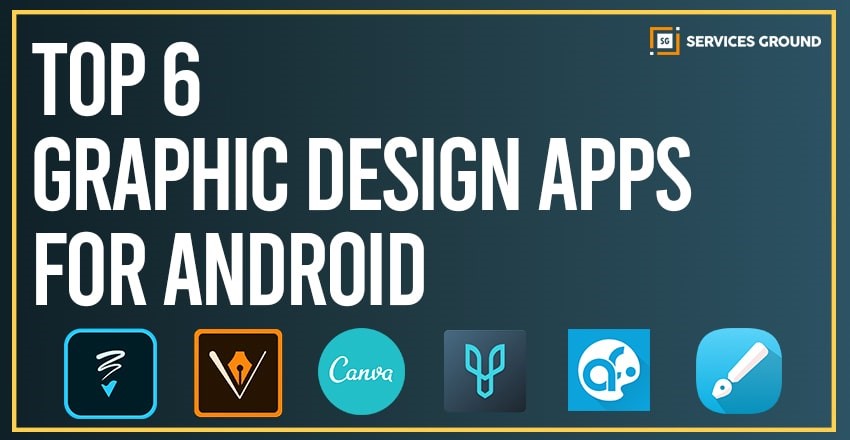
Well, in order to make your work easier, we have selected the top 6 Android Graphic design apps, which is a great chance to increase the efficiency of your work.
Why Use Graphic Design Apps on Android?
Android graphic design apps are no longer just basic tools. They offer powerful features like vector editing, layer control, PSD export, and thousands of templates all optimized for mobile use. Whether you’re a beginner, student, or professional, these apps help you:
- Create social media graphics, logos, and flyers from your phone
- Work offline or on the go without a PC
- Access cloud-based design projects
- Use pre-built templates to save time
Adobe Photoshop Sketch
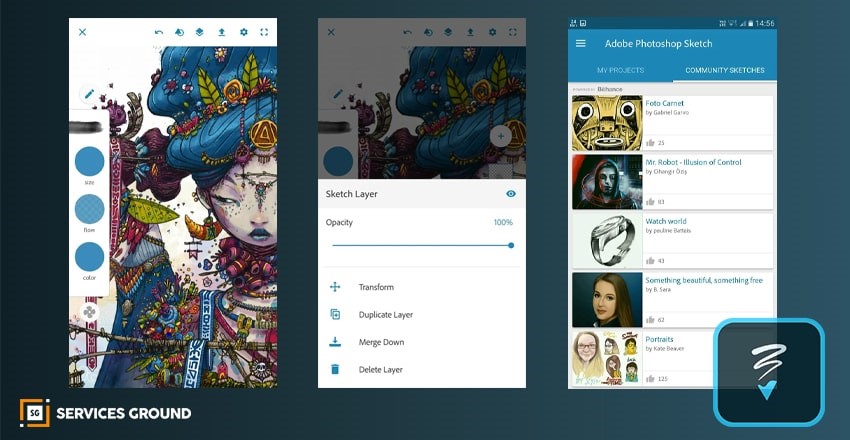
While using Adobe Photoshop Sketch is like carrying a huge sketchpad and a bag full of brushes, pencils, markers, and coloring material. By using the tip of your fingers, you can easily create new images, enhance old ones, and modify others.
In this graphic design app, you can draw, blend, color, and make images prettier.
Adobe Illustrator Draw
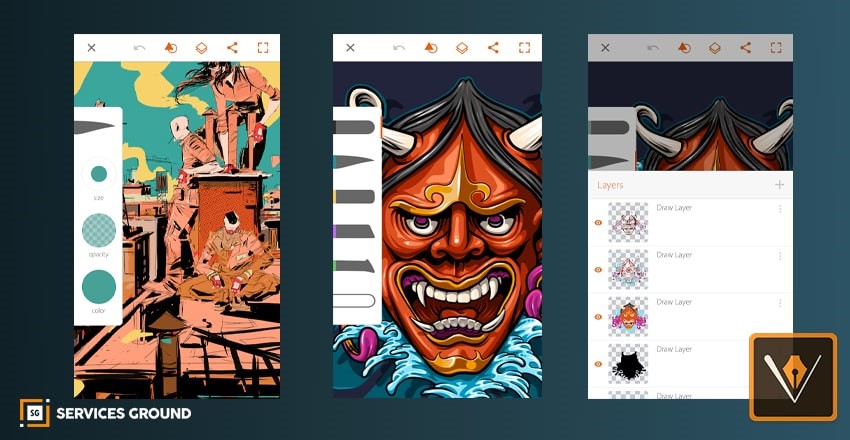
Adobe Illustrator Draw is the easiest app through which you can create vector artworks. Also allows creative work with multiple images and drawing layers.
This graphic design app is the winner of the Play Store Editor’s Choice Award and the Tabby Award for Creation, Design, and Editing,
Canva for Android
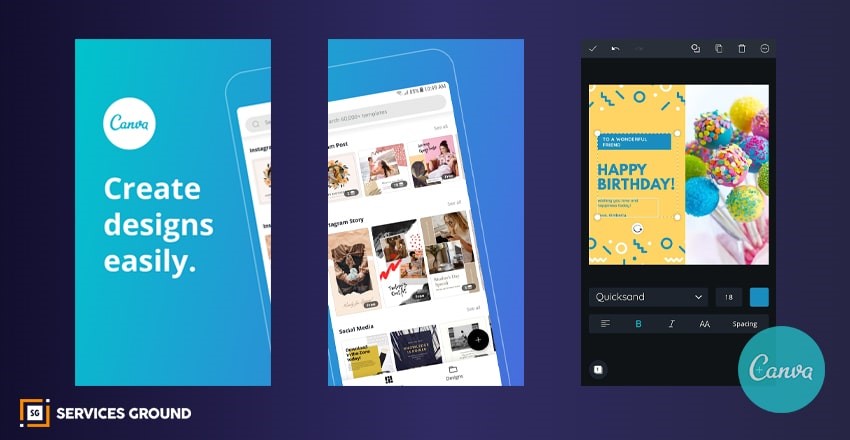
Canva allows the user to design almost anything on its platform. You can create unique artworks by using a wide array of photos, fonts, templates, to make it better. Those templates are very helpful for the beginner graphic designer.
If you’re new to Canva Android, don’t worry because Canva for Android’s interface is quite similar to the desktop’s interface.
Desygner
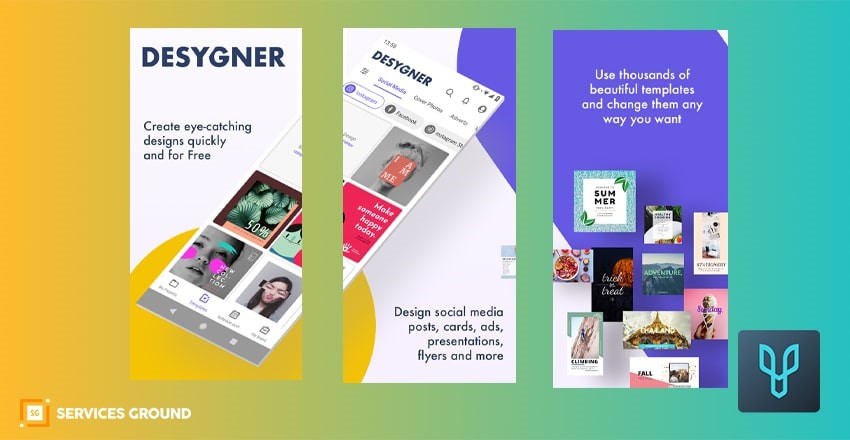
Desygner allows users to not just upload their own creations online, but they can also choose from a selection of images for free.You can use beautiful templates to present clients business in a professional way.
You can choose from an ever-growing library of designs created to suit different trends, industries, and styles.
Infinite Design
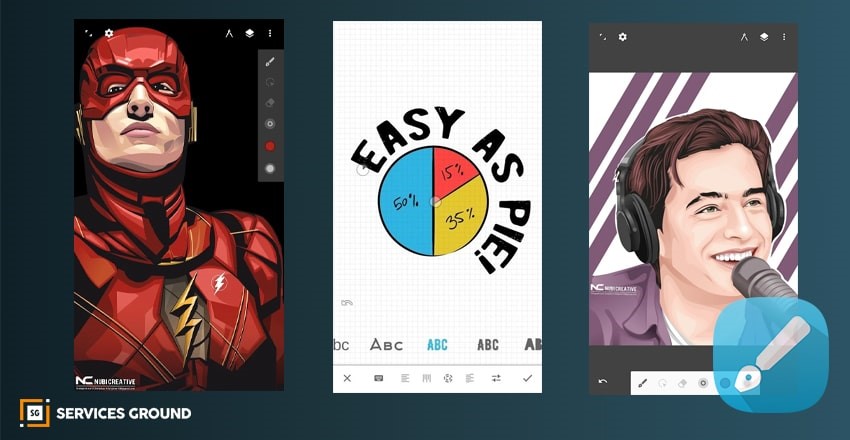
This graphic design app is an alternative to the Adobe Illustrator Draw, Infinite Design allows users to get the best artwork as they can create vector graphics and 3D drawings. Each of the projects you work on from the app will allow you to easily export your files into JPEG, PNG, or SVG.
Infinite Design users will ever be afraid to make mistakes and experiment because it allows them to make use of infinite layers and unlimited undo and redo options.
ArtFlow
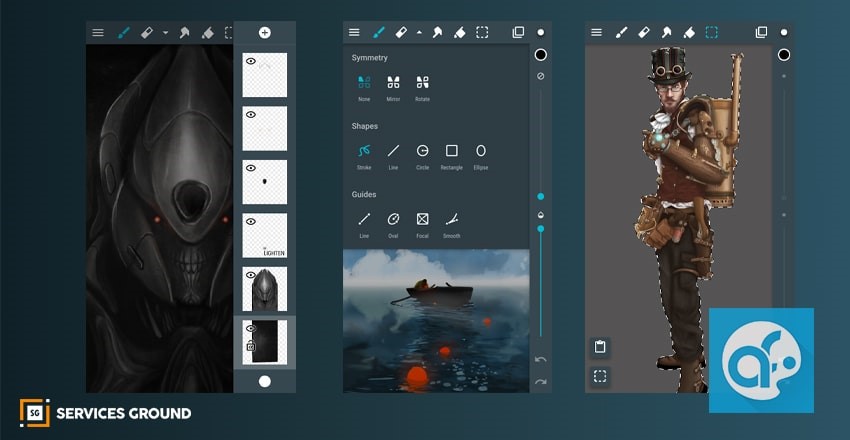
You can also try ArtFlow, it is a highly rated app that offers a free version for you to try before you decide whether to pay for the pro version as an in-app purchase.
ArtFlow is a drawing app that provides you with all the tools necessary to convert your smartphone or tablet into your own personal sketchbook.
If you want to use the free version, you’ll get 20 tools, two layers, and 6-step undo. However, the Pro version offers more than 70 brushes and tools, infinite undo and redo, up to 16 layers, the ability to export to PSD, and more.
Hope these Graphic Design Apps Are helpfull.
Well if you need Free Photoshop 2020 with pre-activated then feel free to clickhere, to download setup, and enjoy the latest version of Photoshop without paying anything.
Thanks for reading.
If you loved reading these articles, subscribe to our newsletter and follow us on Facebook, YouTube, and Instagram for daily updates.
Frequently Asked Questions
Canva and Adobe Illustrator Draw are among the best free apps for graphic design on Android. They offer professional templates, easy interfaces, and high-quality export options.
Yes, Adobe Photoshop Sketch is available for Android. While it doesn’t offer full desktop-level features, it’s great for sketching and quick edits on mobile.
Yes, many apps like Infinite Design and ArtFlow offer watermark-free exports, especially in their pro versions. Canva also allows this for premium users.
Yes! With apps like Desygner and Adobe Illustrator Draw, many professionals create logos, brochures, and social media content without needing a PC.